楽器音のファイル: バイオリン オルガン, トランペット, クラリネット,
% audacity doremi001v.wav
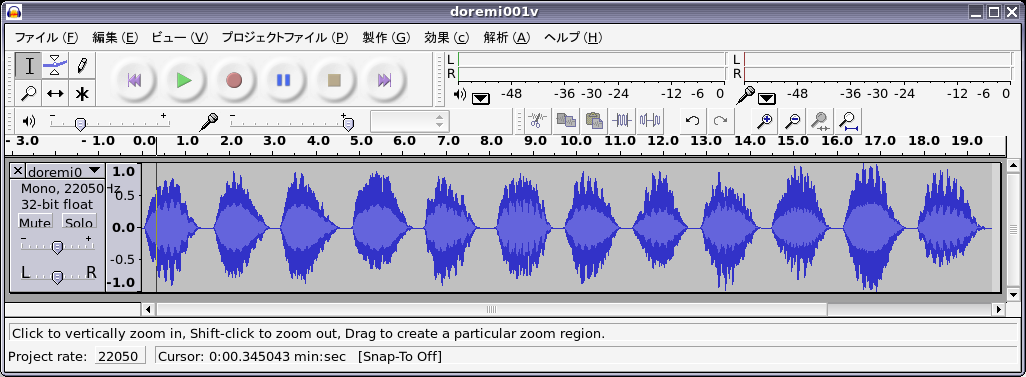
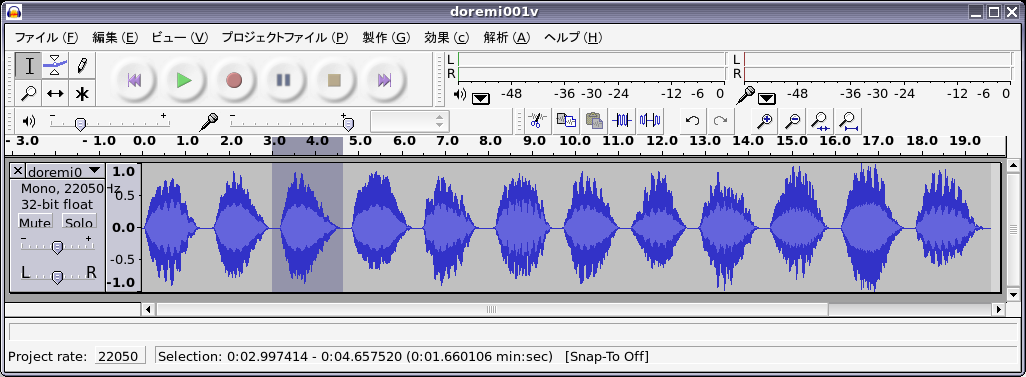
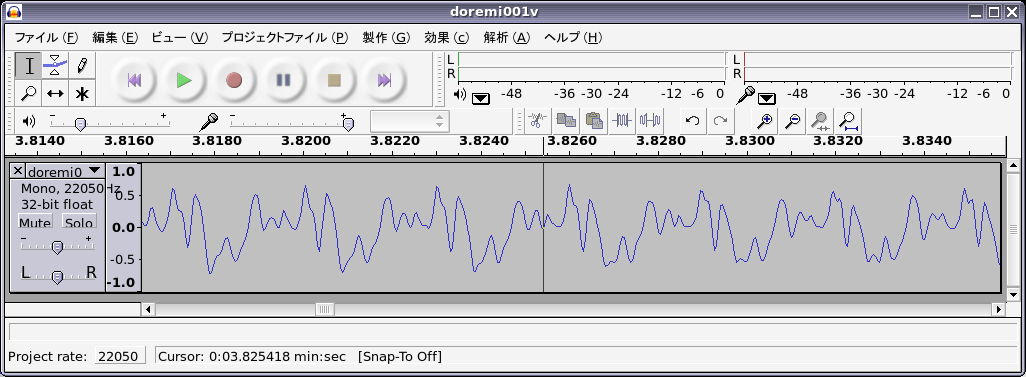
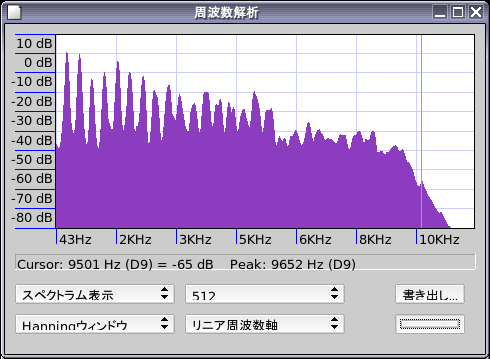
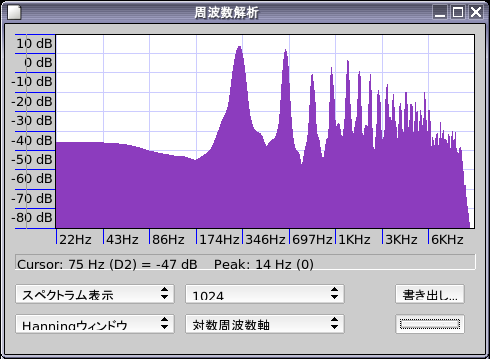
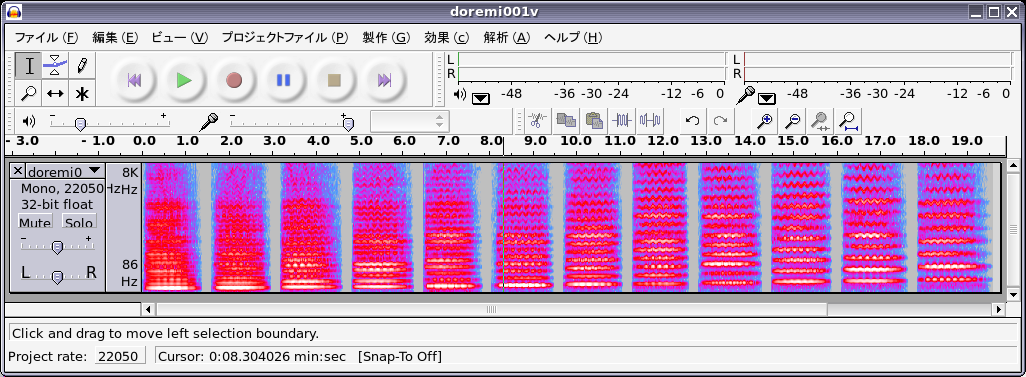
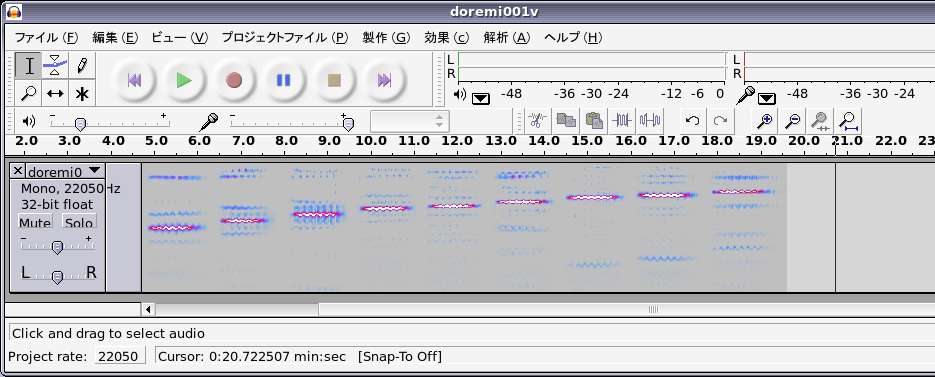
楽器音のファイル: バイオリン オルガン, トランペット, クラリネット,
% audacity doremi001v.wav
#より後ろはコメントなので入力する必要はない
% octave

octave:1> fs = 44100;      # サンプリング周波数 (CD と同じ)
octave:2> t = 0: 1/fs : 3; # 横軸の作成.0から3まで1/44100きざみ.
octave:3> f1 = 0.9*sin(2*pi*440*t);
octave:4> sound(f1, fs);    # 作った信号の音を聞いてみる (3秒間)
octave:5> axis ([0, 1/100] );  # 図で示す横軸を 0 から 0.01 までに設定
octave:6> plot(t, f1);  #  波形を見る(1/100 秒間)
octave:7> wavwrite(f1, fs, 16, 'pure440.wav');  # wav形式のファイルとしてセーブする
% audacity pure440.wav
octave:8> t = 0: 1/fs : 0.5;
octave:9> f1 = sin(2*pi*264*t);
octave:10> f2 = sin(2*pi*297*t);
octave:11> f3 = sin(2*pi*330*t);
octave:12> f4 = sin(2*pi*352*t);
octave:13> f5 = sin(2*pi*396*t);
octave:14> f6 = sin(2*pi*440*t);
octave:15> f7 = sin(2*pi*495*t);
octave:16> f8 = sin(2*pi*528*t);
octave:17> f9 = [f1 f2 f3 f4 f5 f6 f7 f8];
octave:18> sound(f9, fs);
octave:19> t = 0: 1/fs : 3; # 横軸の作成.0から3まで1/44100きざみ.
octave:20> f2 = 0.4*sin(2*pi*440*t) + 0.3*sin(2*pi*880*t);
octave:21> f3 = 0.4*sin(2*pi*440*t) + 0.3*sin(2*pi*880*t) + 0.2*sin(2*pi*1320*t);
octave:22> sound(f2, fs);    # 作った信号の音を聞いてみる (3秒間)
octave:23> sound(f3, fs);    # 作った信号の音を聞いてみる (3秒間)
octave:24> axis ([0, 1/100] );
octave:25> plot(t, f2, t, f3);  #  波形を見る(1/100 秒)
octave:26> wavwrite(f2, fs, 16, 'compound440a.wav');  # wav形式のファイルとしてセーしたい場合
octave:27> wavwrite(f3, fs, 16, 'compound440b.wav');
octave:28> f301 = 0.4*sin(2*pi*440*t) + 0.3*sin(2*pi*880*t) + 0.2*sin(2*pi*1320*t);
octave:29> f302 = 0.4*sin(2*pi*440*t+ 2000) + 0.3*sin(2*pi*880*t) + 0.2*sin(2*pi*1320*t + 100);
octave:30> sound(f301, fs);
octave:31> sound(f302, fs);
octave:32> axis ([0, 1/100] );
octave:33> plot(t, f301, t, f302);  #  波形を見る(1/100 秒)
octave:34> f4 = 0.4*sin(2*pi*440*t) + 0.3*sin(2*pi*700*t);
octave:35> sound(f4, fs);    # 作った信号の音を聞いてみる (3秒間)
octave:36> f5 = randn(1*fs, 1);
octave:37> sound(f5, fs);
octave:38> wavwrite(f5, fs, 16, 'noise.wav');
octave:39> plot(t, f5);  #  波形を見る(1/100 秒)
octave:40> f6 = 0.9*sin(2*pi*220*t + sin(2*pi*880*t));
octave:41> sound(f6, fs);    # 作った信号の音を聞いてみる (3秒間)
octave:42> wavwrite(f6, fs, 16, 'fm220.wav');  # wav形式のファイルとしてセーブする
電子ピアノで弾いたような音が聞こえる. 波形を見る(1/100 秒)
octave:43> plot(t, f6);数字を変えると,いろいろな音の信号を作ることができる.