html2xml.pl, calc.pl
%chmod +x *.pl
- amzon.co.jp に行き,レビュー解析したい書籍を選ぶ
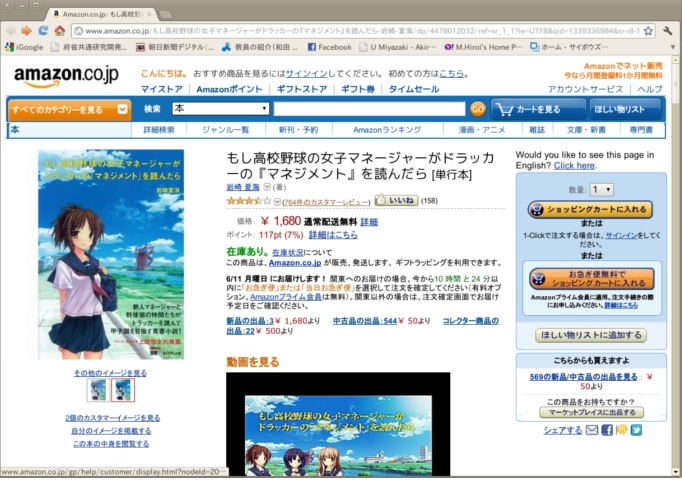
- ★★☆ の横にある 「(xxx件のカスタマーレビュー)」をクリック
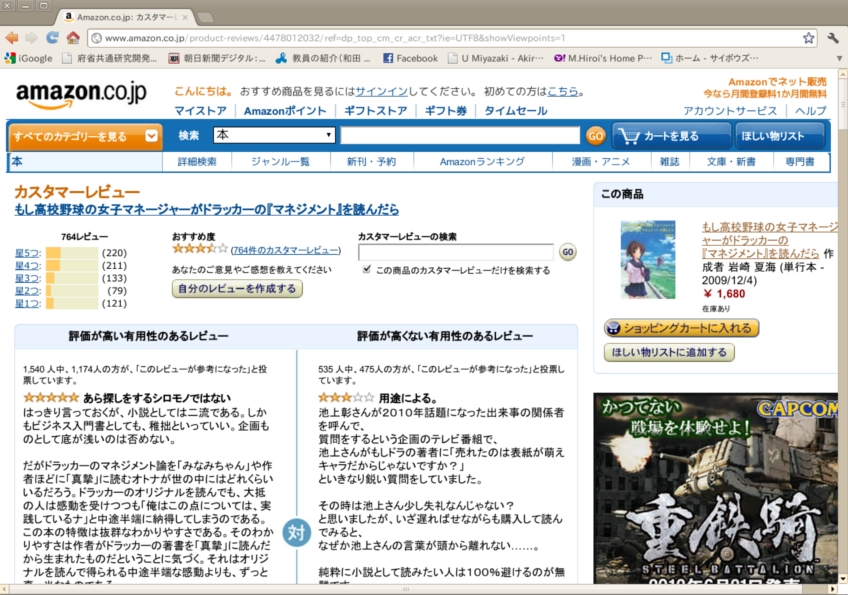
- ある理由から,このファイルをダウンロードしても分析できないので,2段組の
レビューの直後にある,「最新のレビューから」をクリックする
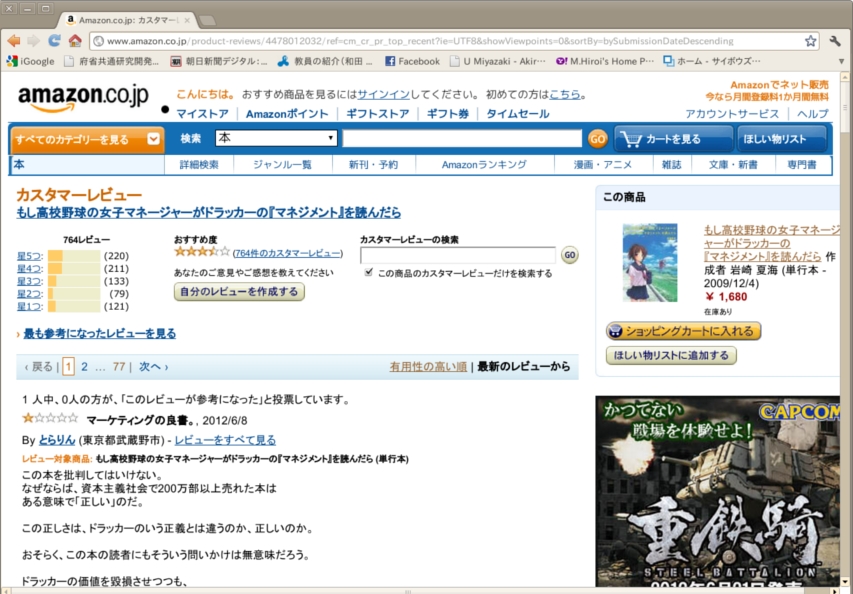
- このページを保存する. html のみを保存する.名前を i001.html などとする. 1ページ当たり,10件のレビューしか表示されないので,700件あれば, 70回ダウンロードする必要がある!!!?
% lv -Ou8 i001.html > i001u.html
% cat i*u.html > all.html作成した例: all.html
% ./html2xml.pl all.html > all.xml作成した例: all.xml
%./calc.pl all.xml > result.datresult.dat ファイルの中身の例
1, 0.000, 317
3, 0.000, 15
3, 0.000, 491
4, 0.000, 1058
5, 0.000, 546
1, 1.000, 142
2, 0.750, 139
3, 1.000, 140
2, 1.000, 870
1, 0.500, 19
1, 0.800, 352
4, 0.000, 122
2, 1.000, 150
...
...
作成した例: result.dat
result.dat は各行にカンマ(,)で区切られた3つの数字が含まれている. 最初の数字は,書評を書いた人がつけた★の数で,必ず 1,2,3,4,5 のどれかです. 2番目の数字は,その書評の支持率,3番目の数字は,その書評の文字数となっている.
% mkdir RESULT1
% egrep ^1 result.dat | cut -d, -f 2-3 > RESULT1/score1.dat
意味: result.dat の最初が 1 で始まる行の,2番目と3番目の数字をとりだして, RESULT1/score1.dat というファイルに書き込んでいる. RESULT1 はディレクトリ(フォルダという人もいる)で, これから何冊もの本を分析していくはずなので, 分析する本ごとにディレクトリを RESULT1, RESULT2 ... のように あらかじめ mkdir コマンドでディレクトリを作っておく.
| はパイプといって,egrep コマンドで得られた出力を cut コマンドで解析している. このあたりの意味は,次のようなコマンドを試し試行錯誤し, もとの result.dat ファイルとの違いを調べることで,分かる(はず).
% egrep ^1 result.datもっと知りたければ,各コマンドのマニュアルを読もう.
% man cut
% man egrep
どういう書籍を分析したか,たとえば README ファイルをつくり, そこにかならずメモをしておくこと.
% emacs README

--- 以下,README の中身

RESULT1
もし高校野球の女子マネージャーがドラッカーの『マネジメント』を読んだら
岩崎夏海
% egrep ^2 result.dat | cut -d, -f 2-3 > RESULT1/score2.dat
% egrep ^3 result.dat | cut -d, -f 2-3 > RESULT1/score3.dat
% egrep ^4 result.dat | cut -d, -f 2-3 > RESULT1/score4.dat
% egrep ^5 result.dat | cut -d, -f 2-3 > RESULT1/score5.dat
score1.dat ファイルの中身の例(result.dat の,先頭が1ではじまる行が 抽出されている)
0.000, 317
1.000, 142
0.500, 19
0.800, 352
1.000, 130
...
作成した例: score1.dat, score2.dat, score3.dat, score4.dat, score5.dat
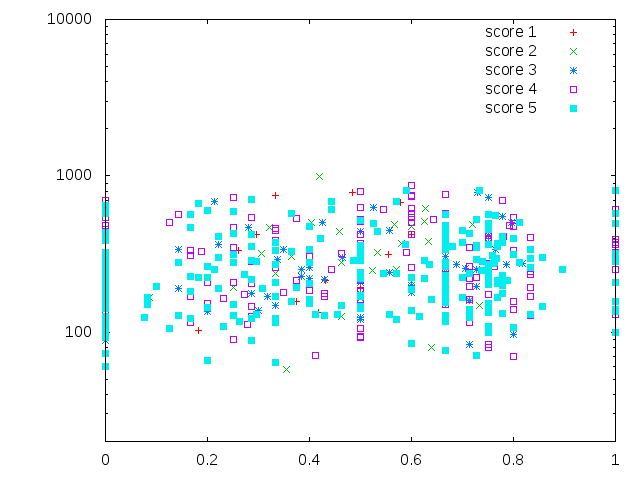
以下のような図を作成できればOK.
% cd RESULT1
% gnuplot

        G N U P L O T
        Version 4.2 patchlevel 6
        last modified Sep 2009
        System: Linux 2.6.32-41-generic

...
gnuplot>
そこで
plot "score1.dat" with pointsとしてみると図が描けているはず.
plot "score1.dat" with points,"score2.dat" with points,"score3.dat" with points,"score4.dat" with points,"score5.dat" with pointsとすれば 5 つのファイルのデータが,それぞれ違うマークでプロットされたはずである.
いちいち打ち込むのは面倒くさい. つぎのようなスクリプトを用意しておき gp_script001
% gnuplot gp_script001 > result1.epsとすれば eps ファイルが作成でき,レポートやプレゼンテーションに使える. 端末から
% evince result1.epsと入力すれば, ポストスクリプトファイルの中身が表示される.
gp_script001 の中身:
set terminal postscript "Helvetica" 20 color eps enhanced
set xlabel "supported rate"
set ylabel "#words"
set logscale y
plot "score1.dat" with points,"score2.dat" with points,"score3.dat" with points,"score4.dat" with points,"score5.dat" with points
文献:「CGMコンテンツの分析は集合痴に要注意」 を参考に,結果を分析すること. みたことのない新しい分布を発見し, それを解釈してみよう. ここまでできれば上出来.